Make every email tick.
A live countdown timer as a single image. Design it once, paste it into any email, and it keeps counting.
Black Friday


Make it yours
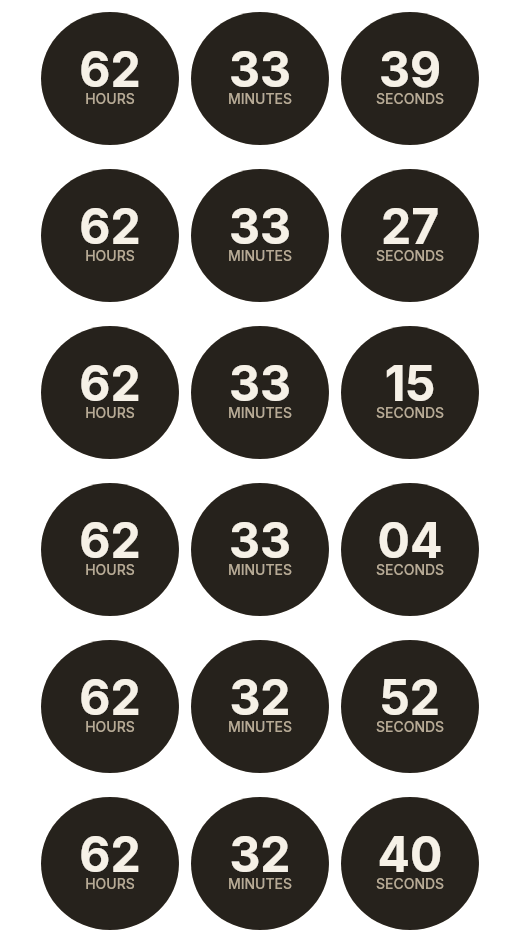
Every timer below is rendered by the same engine that serves your emails.
Flip cards and the circle, pill, squircle, hexagon and blob shapes are on paid plans.

Three steps. One image tag.
01
Design it
Pick colours, fonts, shapes and an expired state in the editor — the preview shows the real GIF.
02
Copy one image URL
Every countdown is a plain image URL. We give you the snippet — a single <img> tag.
03
Paste into any email
Drop the snippet into your email builder's HTML block. Anywhere an image works, it works.

One URL, three kinds of deadline
a8f3k2.gif your countdown
?end= fixed deadline for everyone
?start= each recipient's own start
&sig= signature keeps it tamper-proof
Fixed
Everyone sees the same deadline — a launch, a sale's end, doors opening.
Personalized
Add ?end= with your sender's merge tag and each recipient gets their own deadline.
Evergreen
Add ?start= and the clock starts when each email goes out.
Works where you already send
- Klaviyo
- Mailchimp
- Shopify Email
- HubSpot
- Mailjet
- Anything that accepts an image URL.
Built to hold up in the inbox
- 01One permanent URL
- No login, cookies or scripts needed to view it — the image serves on its own.
- 02Under 50 KB
- A 600px countdown GIF stays under ~50 KB, so it loads fast on any connection.
- 03Still right after you hit send
- Edit the timer later and the same URL shows the change, even in emails already sent. If a timer is paused, recipients see a neutral image — never an error.
- 04An expired state you design
- When it hits zero: show zeros, your own message, or a custom image.
Simple pricing for live countdown images
Free
Free
- Up to 3 active countdowns
- 5,000 image views / month
Standard email support
Starter
$9/month
- Up to 25 active countdowns
- 150,000 image views / month
- Premium shapes (circle, pill, squircle, hexagon, blobs)
- Flip-card style
- Background image
- Custom expired image
- Personalized deadlines
- Evergreen mode
Standard email support
Pro
Most popular$29/month
- Unlimited countdowns
- 750,000 image views / month
- Premium shapes (circle, pill, squircle, hexagon, blobs)
- Flip-card style
- Custom typography
- Background image
- Custom expired image
- Personalized deadlines
- Evergreen mode
Priority email support
Business
$69/month
- Unlimited countdowns
- 3,000,000 image views / month
- Premium shapes (circle, pill, squircle, hexagon, blobs)
- Flip-card style
- Custom typography
- Background image
- Custom expired image
- Personalized deadlines
- Evergreen mode
Email & chat support
Frequently asked questions
Does it work in Gmail and Outlook?
Animated GIFs play in Gmail, Apple Mail and most webmail. Outlook's desktop apps show the first frame — so the first frame is a finished countdown, not a blank. Send yourself a test before a big campaign.
What counts as an image view?
Each time your countdown GIF is requested we count one image view. Email clients and proxies cache images, so views are not the same as email opens.
What happens when the timer hits zero?
You choose: show zeros, show a message like “Sale ended”, or swap in your own image.
Can I change a timer after the email is sent?
Yes. Edit the countdown and the same image URL picks up the change — already-sent emails update on the next open.
What happens if I go over my views?
Nothing breaks — image views are a soft quota and your countdowns keep serving. We will reach out if you are consistently over so you can pick a bigger plan.
Can I cancel anytime?
Yes. Manage or cancel your subscription any time from the billing portal — your plan stays active until the end of the paid period.
Is there a yearly plan?
Billing is monthly for now. Change or cancel any month.
Give your next send a deadline.
Free includes 3 active countdowns and 5,000 image views a month.